Official Press Resources
Press Kit
Product copy, screenshots, and editorial assets for ConnectWizard.
Factsheet
| Developer | Florian Seida (indie) |
| Platform | Mac |
| Requirements | macOS 15 or later |
| Category | Developer Tools |
| Release Date | 2025 |
| Pricing | Free, Indie, Pro |
| Languages | English |
About ConnectWizard
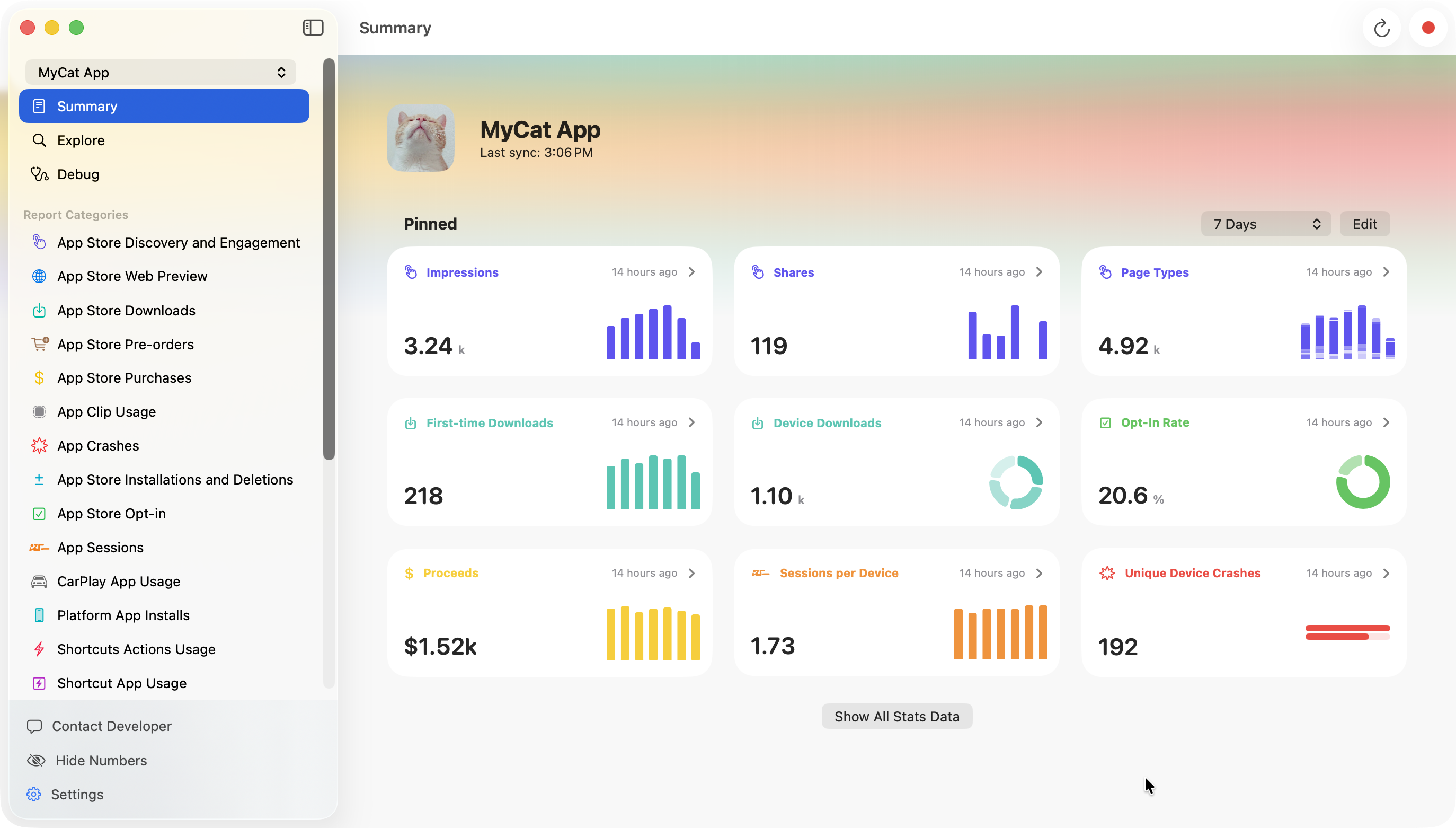
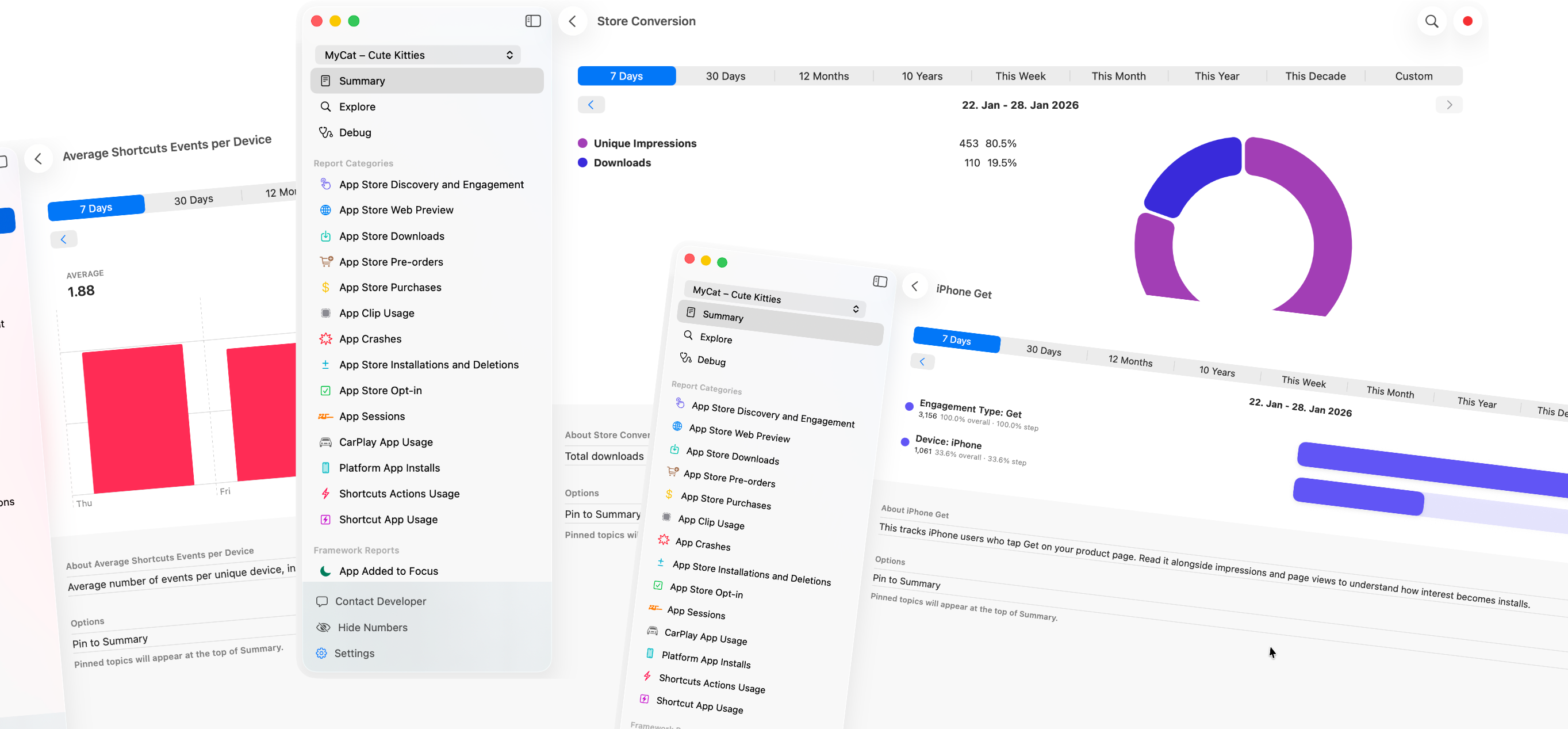
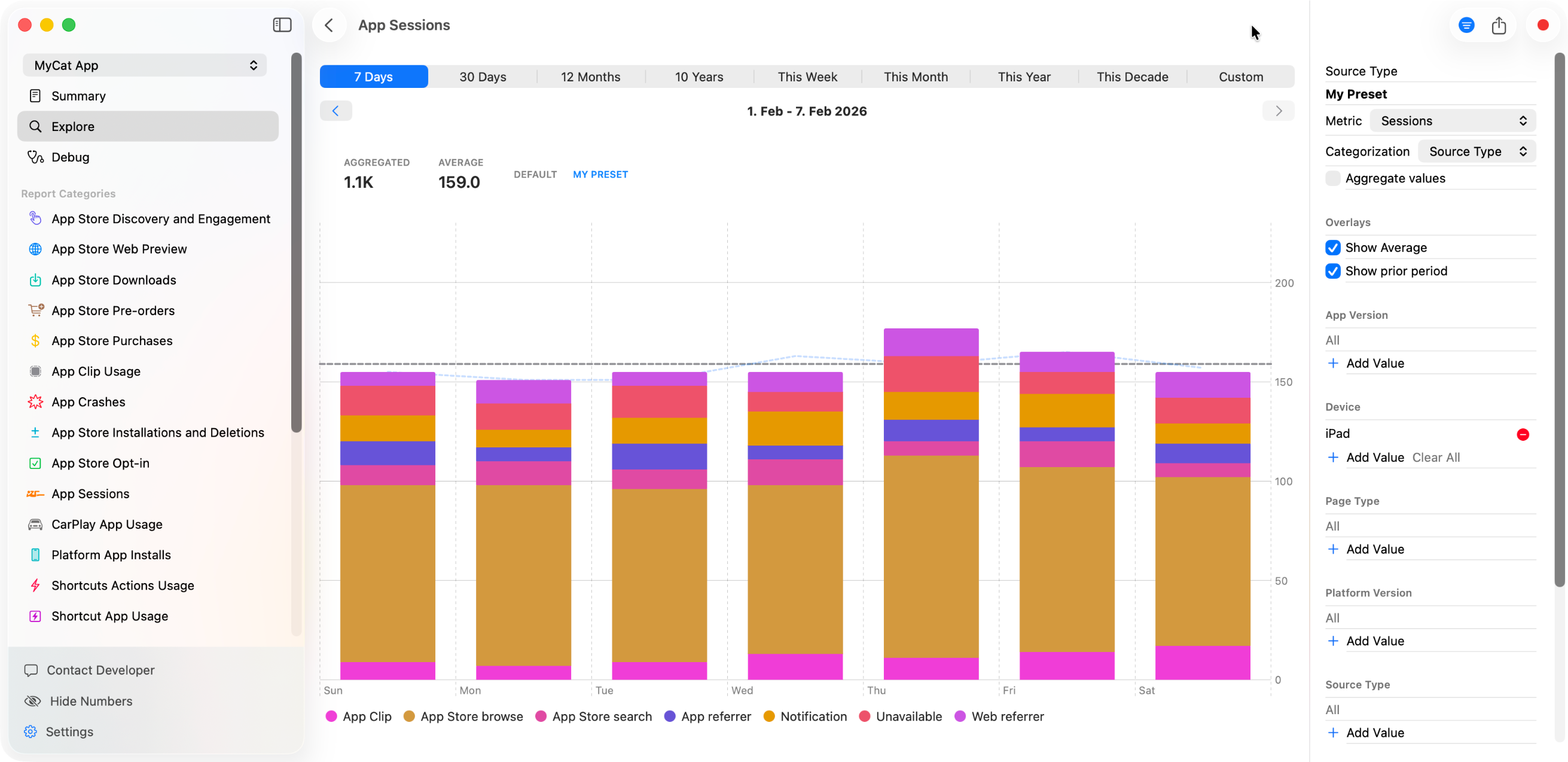
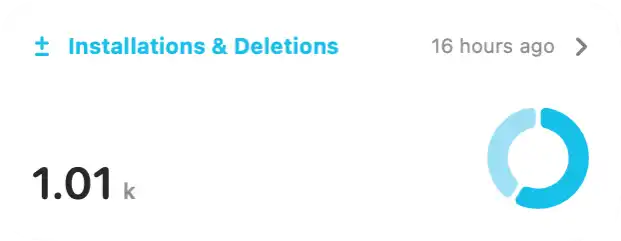
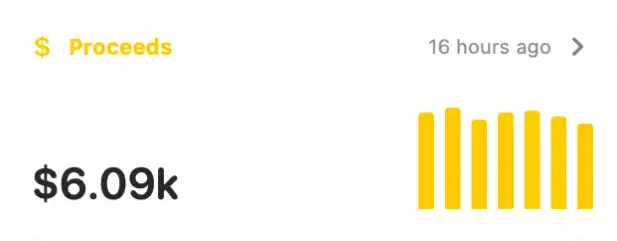
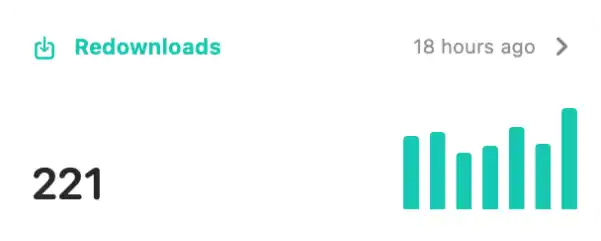
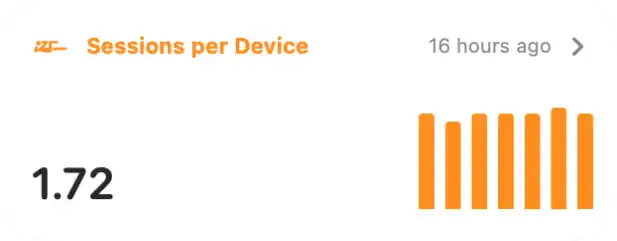
ConnectWizard is a native App Store Connect analytics app for macOS. It gives developers a clearer and much more extensive way to explore App Store Connect data with curated stats, hidden framework reports, raw data exploration, and customizable dashboards. Instead of digging through Apple's interface and exports, ConnectWizard brings broader reporting, filtering, and analysis into one focused desktop workflow.
Features
- Access 100+ App Store Connect reports in one native Mac app
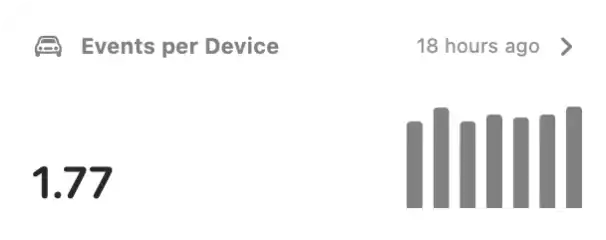
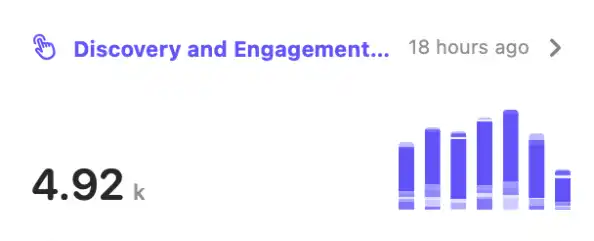
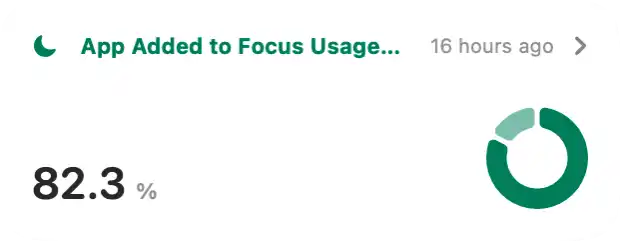
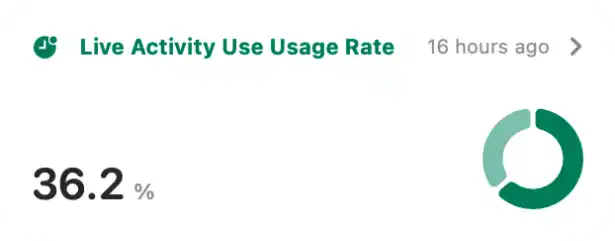
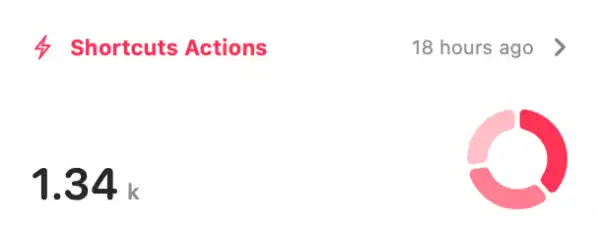
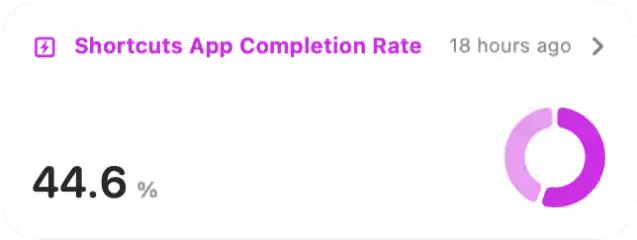
- Explore framework-specific analytics such as Shortcuts, Live Activities, Widgets, CarPlay, Focus, and more
- Create custom dashboards with reusable stat presets, filters, and categories
- Inspect Apple's raw analytics data directly without exporting it into another tool
- Compare acquisition, engagement, retention, and product page signals in one place
- Store and process data locally on your Mac without relying on a third-party analytics backend
Pricing
ConnectWizard is free to download on the Mac App Store. The Free plan supports one app with the last 7 days of history and includes core engagement and commerce reports.
Paid plans unlock more data and advanced analysis. Indie starts at $4.99 per month or $49.99 per year. Pro starts at $9.99 per month or $99.99 per year.
Higher tiers unlock unlimited app history, data export, custom presets and reports, and the more advanced reporting capabilities available in ConnectWizard.
Who is ConnectWizard for?
ConnectWizard is built for developers, indie makers, and product teams who use App Store Connect and want faster access to acquisition, engagement, commerce, and framework usage data.
- Indie developers who want better visibility into app performance without building their own reporting stack
- Product teams who need to compare App Store Connect signals more quickly than the default Apple interface allows
- Growth-focused teams who want a clearer view of product page, conversion, and engagement data
- Mac users who prefer a native desktop workflow over browser-heavy analytics work
How does ConnectWizard work?
ConnectWizard connects to Apple's App Store Connect API and organizes the available analytics data into a desktop workflow built for analysis. It combines predefined stats, raw data access, and flexible filtering so users can move from overview to detail quickly.
Setup takes only a few minutes with an App Store Connect API key. After the first sync, the data is stored and processed locally on the Mac, which keeps the workflow responsive and avoids an extra third-party service between the user and Apple's reporting data.
Depending on the app and Apple's own reporting delays, some datasets can take around 24 to 48 hours before they are fully populated.
About the Developer
ConnectWizard is built and maintained by Florian Seida, an indie developer based in Germany. He has been shipping apps for Apple platforms since 2020 and builds tools focused on developer productivity and native Apple experiences. Alongside ConnectWizard, he also runs Explore SwiftUI, a visual reference library for SwiftUI components and modifiers.
Learn more about Florian's other projects at typ0genius.com.
Press Contact
For press inquiries, review copies, or interview requests please get in touch:
Florian Seida
E-Mail: mail@florianseida.de
Twitter / X: @typ0genius
Bluesky: @typ0genius.com
Mastodon: @Typ0genius@mastodon.social